

Start with the moment
A great record starts with the details you can capture while the discovery is still fresh. You do not need to know everything about an object before you save it. Start with a photo and a few notes, then complete the record later.
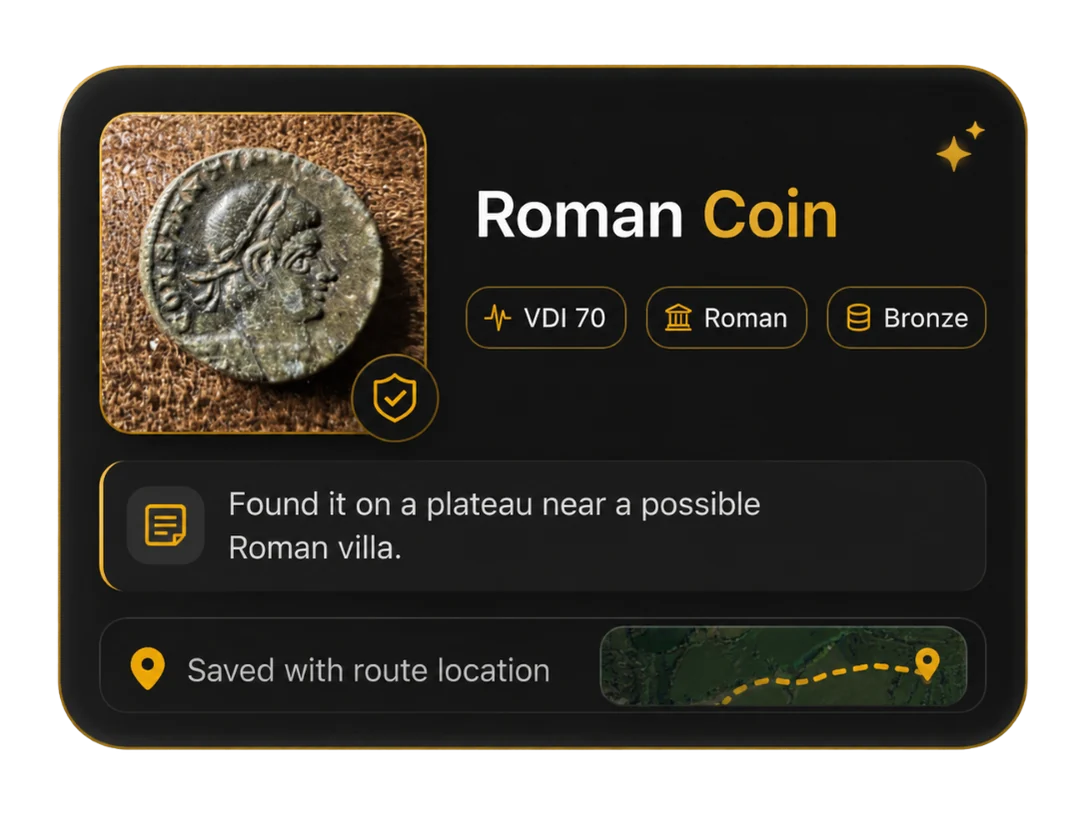
The find artwork above is an example from the app’s onboarding, showing how a photo, VDI, period, material, note and location can sit together.
Record your discovery
- Open My Collection and add a find. Use the add control to create a new record.
- Add a photo. Capture the object or choose an existing image. A clear image and a close view of any detail will help you revisit the find later.
- Write what you know. Add a title and notes. Record VDI, material and period where you know them. Leave uncertain details for later.
- Keep the context. Record where and when the discovery happened. If you attach a location, check that it is the location you intended.
- Save, then return. Reopen the find later to add research, better photographs or identification notes.
Keep the story useful
Separate what you observed from what you think the object might be. “Found near the old hedge” is a useful field note; an uncertain identification can be marked as a possibility until you have researched it.
Once your finds begin to build up, group them into collections by trip, site, type or period. Your field notes stay connected to the discovery.